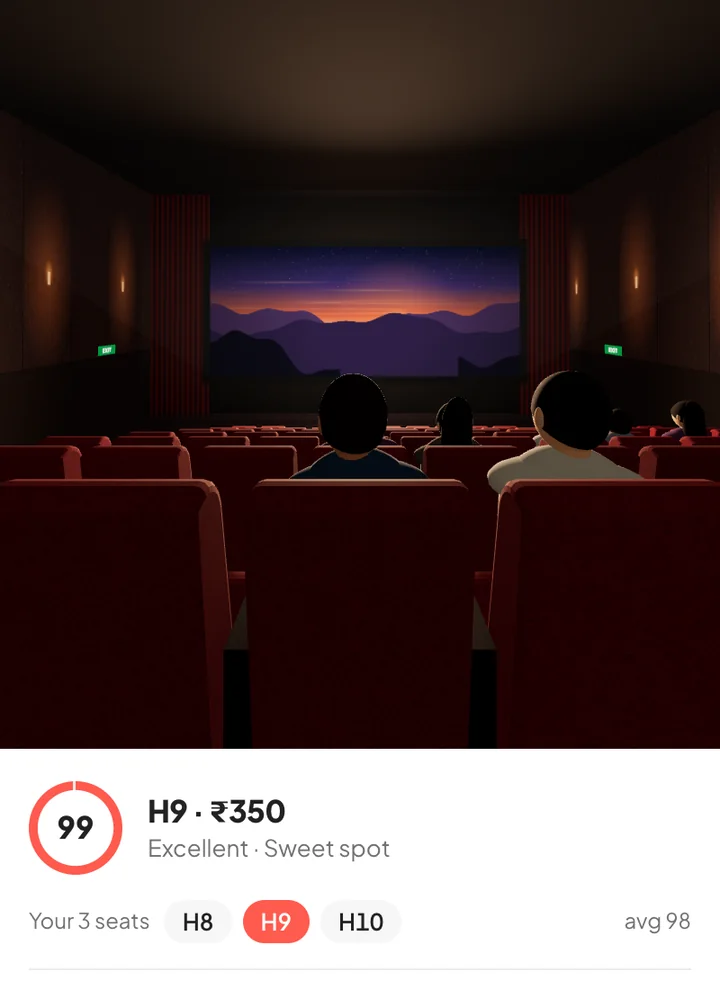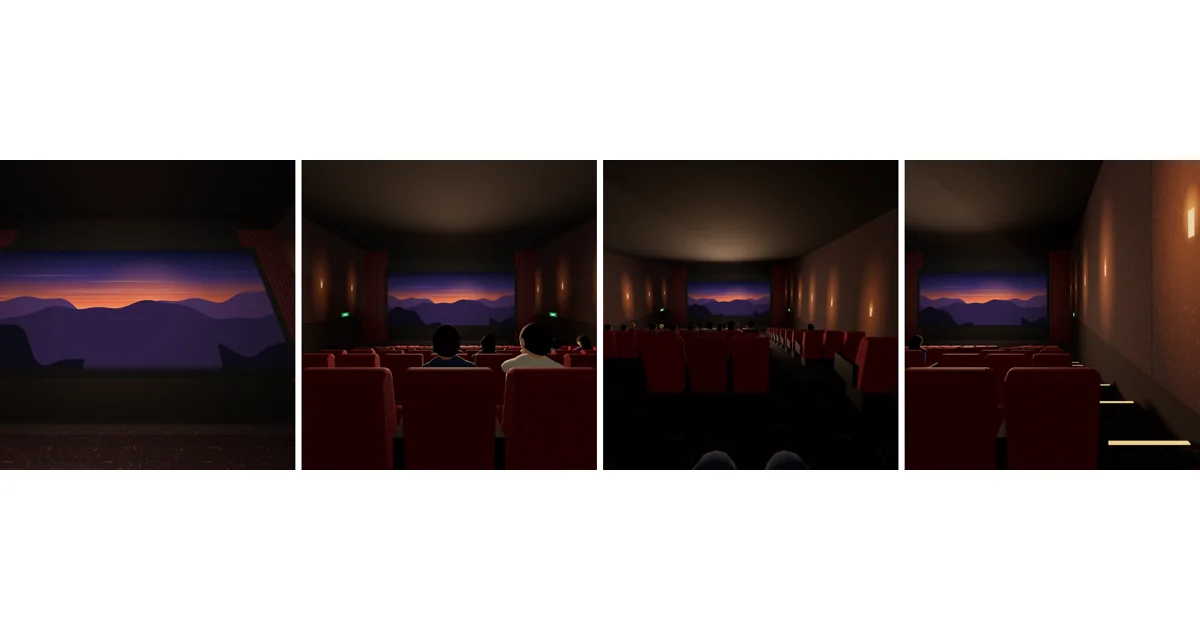
BookMyShow’s seat layout tells you which seats are free and what they cost. It doesn’t tell you what you’ll see from them. Here are two ways to get a BookMyShow seat view in 3D, so you can compare seats before you pay.
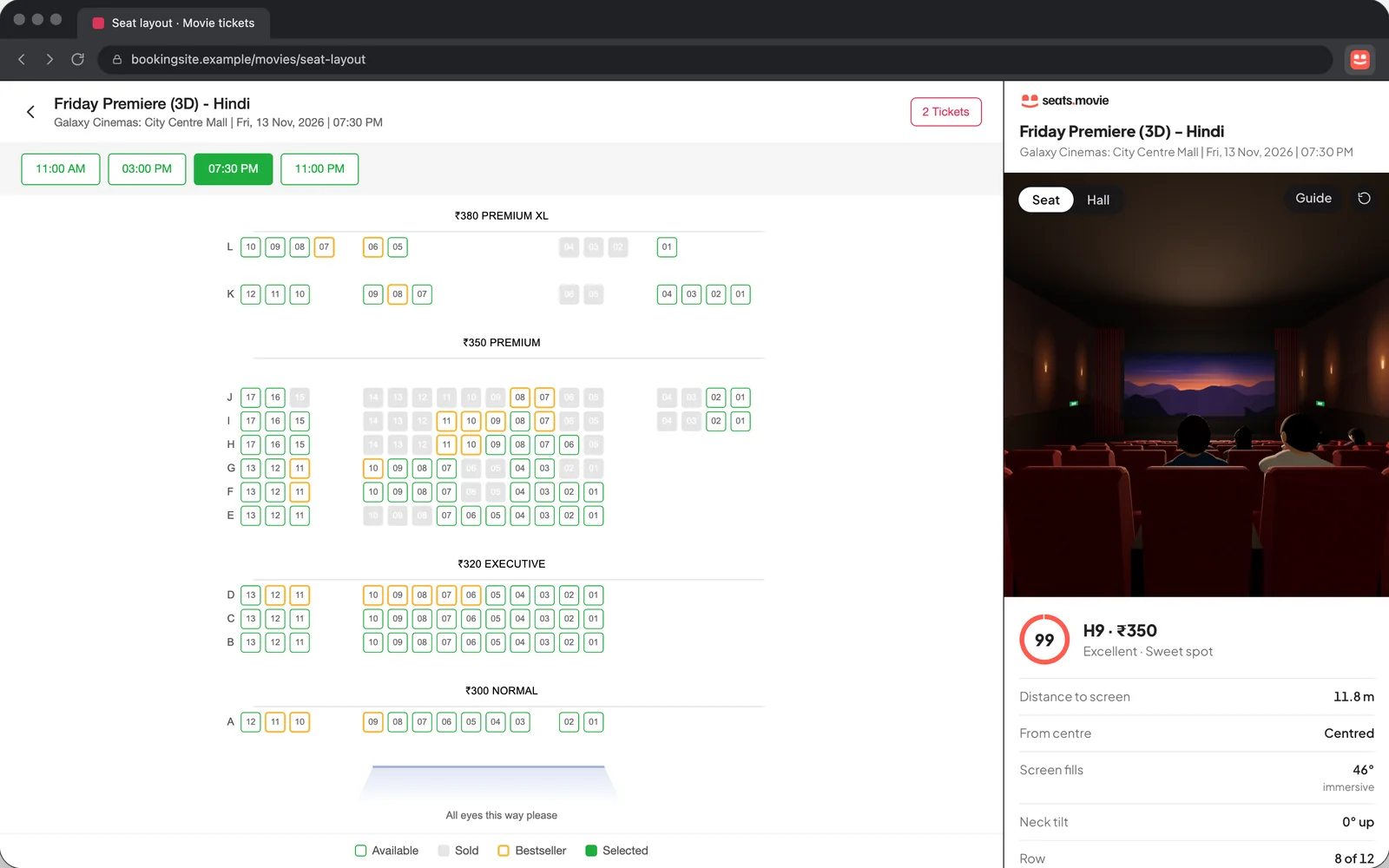
Option 1: on seats.movie (phone or computer)
- Open seats.movie and pick your city.
- Choose the movie. We read the live seat map of every show and list the best seats still free across the city.
- Open a show, tap a seat and switch to 3D to see the screen from it.
- Press Book on BookMyShow and pick those seats there.
Good when you haven’t chosen a cinema or time yet: you compare every show, not just one.
Option 2: right on BookMyShow (Chrome extension)
- Add the free seats.movie extension to Chrome, Edge, Brave or Arc.
- On BookMyShow, choose a show and go to the seat-selection page.
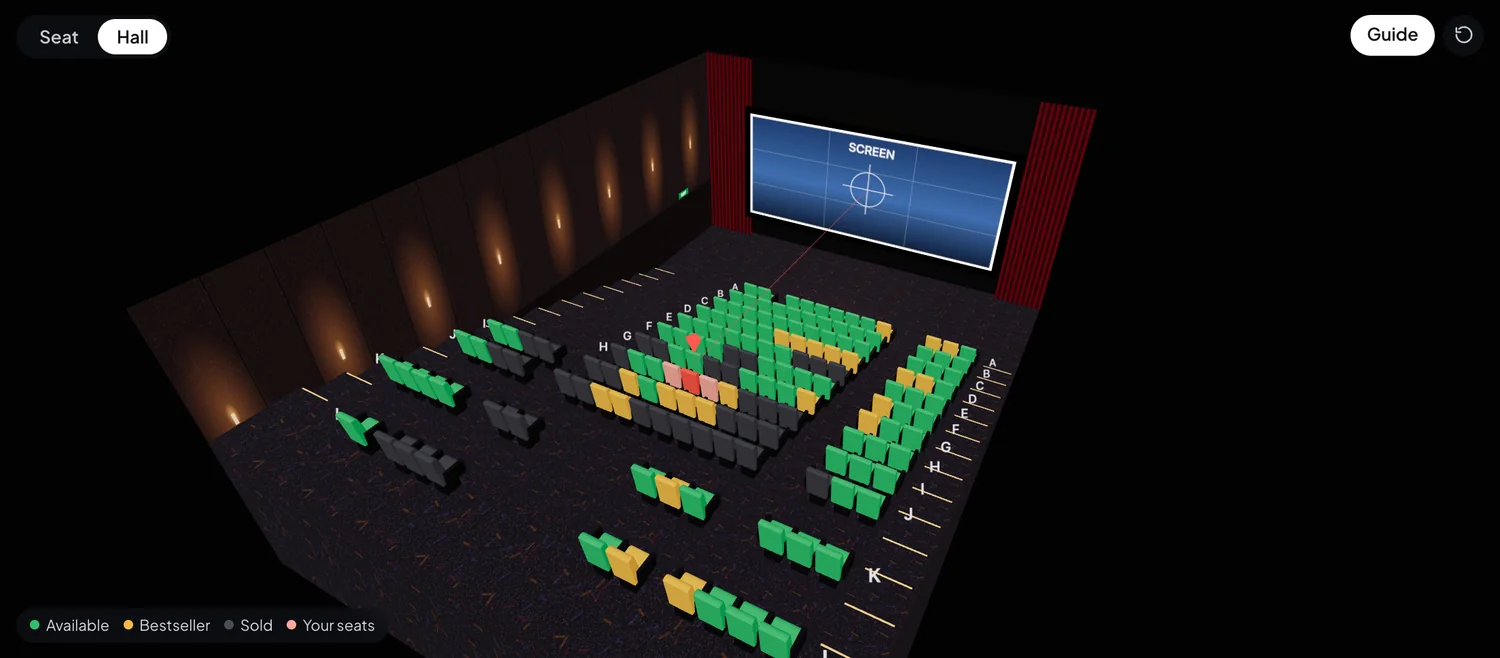
- Click the seats.movie icon. The hall opens in 3D beside the seat map.
- Click seats to see the view from each, or press Find the best seat to have the best ones selected for you.
Good when you already know the show and want to choose seats without leaving BookMyShow. It works on District too.
What to look for
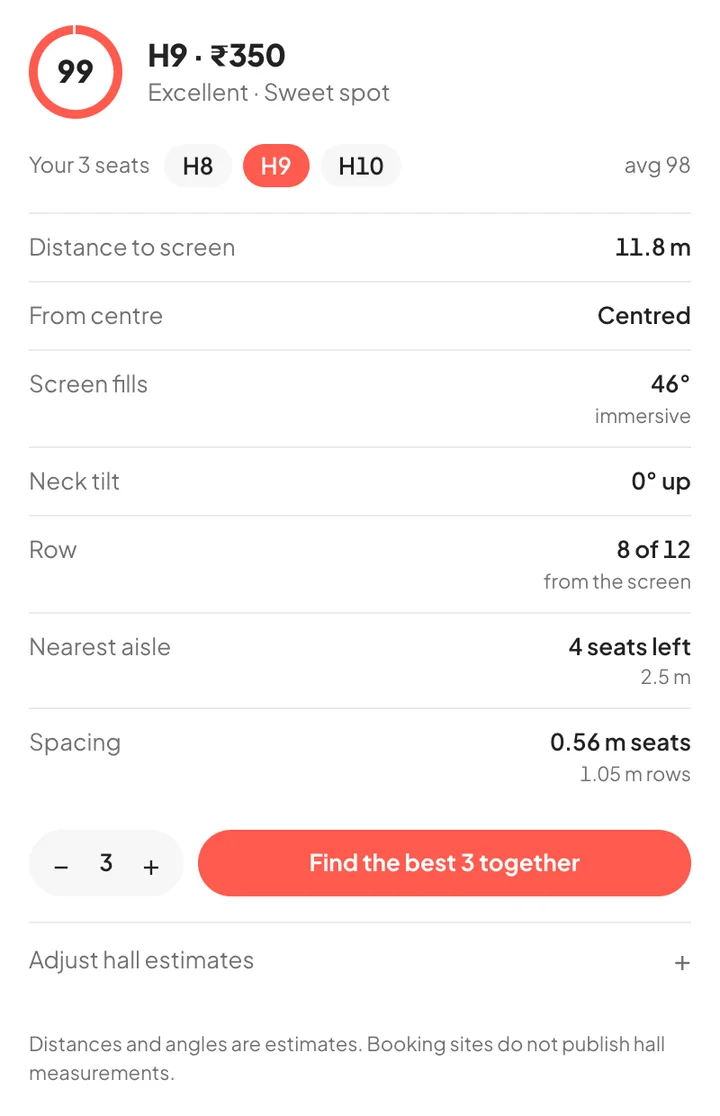
Aim for a seat where the screen fills most of your view without overflowing it, close to the centre line, and not in the front rows where you look up. Our guide to the view from every row explains each part of the hall, and the best seats in a movie theatre covers IMAX, 3D and groups.
seats.movie is independent and isn’t affiliated with BookMyShow or District.